
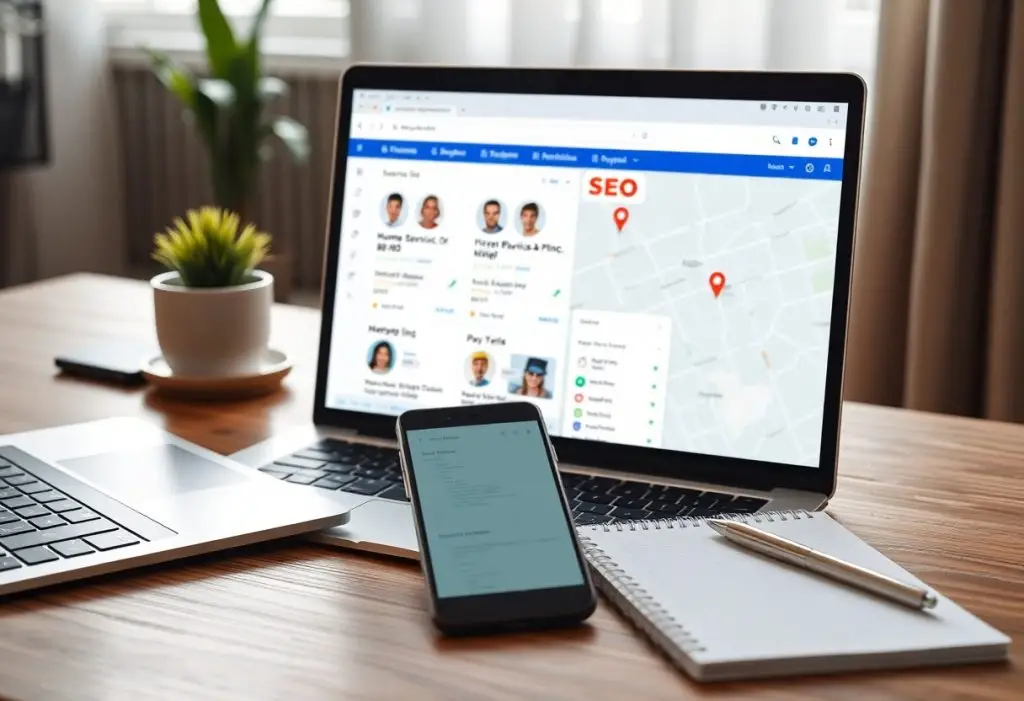
Just adopting a better listing platform lets you consolidate your service areas, citations, reviews, and local keywords so search engines present your business accurately. With centralized control you reduce inconsistencies, accelerate updates across directories, and measure performance to drive more qualified local leads to your phone.
Understanding Home Service SEO
Importance of Local SEO
When customers search for a plumber, electrician, or roofer near them, local visibility drives revenue: 76% of people who search on a smartphone for something nearby visit a related business within a day. You need a fully optimized Google Business Profile, consistent NAP across major directories, and active review management to capture those high-intent searches and convert them into calls or bookings.
Key Elements of SEO for Home Services
On-page optimization, local citations, reviews, and technical performance form the backbone: use service pages that include city modifiers, implement LocalBusiness schema, maintain NAP consistency across 3-5 top directories, and keep mobile page load under 3 seconds to improve rankings and user experience.
For tactics, put the city+service in title tags and H1s, create dedicated pages (300-700 words) per service-location, solicit reviews within 48 hours of service to build volume (target 30+ over a year), use call tracking and UTM tags to measure leads, and earn 3-5 local backlinks from news sites or associations in the first quarter to accelerate visibility.
Features of a Better Listing Platform
User-Friendly Interface
Intuitive dashboards let you update listings in under five minutes using drag-and-drop editors, inline schema previews, and mobile-first templates. With bulk-edit and guided fields you avoid inconsistent NAP data and reduce setup time from days to minutes; one HVAC chain cut listing errors by 60% within a month. The interface prioritizes speed (page loads <2s), clear validation messages, and accessible design so your team can keep listings accurate without heavy training.
Integration with SEO Tools
Deep integrations with Google Business Profile, Semrush, and Screaming Frog let you automate citations, pull keyword suggestions, and run weekly crawls so you can act fast. API sync to 50+ directories reduces duplicate listings by up to 80% and auto-generates JSON-LD schema for services, reviews, and opening hours. One regional roofer enabled these integrations and saw organic leads rise 25% in three months.
Specifically, the platform syncs core fields-name, address, phone, hours, service categories, and reviews-and injects JSON-LD directly into your pages with syncs completing in about 15 minutes. It handles canonical tags and hreflang for multi-location sites, auto-applies FAQ and review schema, and includes UTM-aware tracking so you see which listings drive conversions in Google Analytics; many agencies report cutting manual listing updates by over 90%.
Optimizing Listings for Search Engines
When optimizing listings, focus on completeness and structured data: fill every field, add 200-300 word service descriptions, include 10-15 high-quality photos, and apply schema markup for services. You should verify NAP consistency across top citations (Google, Yelp, Facebook), encourage reviews-listings with 5+ reviews typically convert better-and track ranking changes weekly after edits to measure impact.
Effective Keyword Usage
Start by mapping 3-5 long-tail keywords to each service page and listing, e.g., “emergency water heater repair Brooklyn” instead of “water heater repair.” Prioritize intent-based phrases (service + location + urgency), place a primary keyword in the first 100 characters of the description, and avoid stuffing while monitoring search volume with tools like Keyword Planner or Ahrefs.
Importance of High-Quality Content
High-quality listing content improves click-throughs and trust: write clear, benefit-led descriptions of 200-300 words that outline your process, pricing ranges, and a short customer example; add an FAQ section to address top objections and lower friction for callers. You should refresh descriptions quarterly to reflect seasonal offers, certifications, or equipment updates.
Dig deeper by adding Service and FAQ schema, embedding 1-2 short video clips (30-60 seconds) demonstrating a typical job, and uploading 6-12 high-resolution photos with descriptive filenames and alt text. You can boost credibility by listing typical turnaround times, warranties (e.g., “2-year parts warranty”), and publishing two concise case studies (150-200 words) with customer quotes; agencies applying these tactics often see measurable lifts in calls and local rankings within 6-8 weeks.
Leveraging Customer Reviews
When you integrate reviews into your listing strategy, prioritize platforms driving local discovery-Google and Facebook account for the majority of impressions-and add review schema so average ratings appear in SERPs. Automate post-job requests via SMS or email with one-click links; a plumbing client increased web leads 35% in six months by pairing timely review asks with before/after photos and highlighting five-star feedback on their service pages.
Encouraging Positive Feedback
You should send a review request within 24 hours of job completion, using a short, personalized message and a one-click link to the desired platform; this single-step approach can lift response rates by roughly 15-25%. Equip technicians with QR-code cards, train them to ask at handoff, and run one reminder at day 3 to capture impressions while the work is fresh-offer a monthly $50 gift-card drawing where rules allow to improve participation.
Responding to Reviews Effectively
You must reply to every review within 48 hours, keeping replies under 150 words and including the job date, technician name, and a clear next step. Thank positive reviewers, and for negatives outline specific remediation (refund, re-service, or inspection) and a private contact method; set an internal SLA to resolve escalations within seven days to prevent BBB complaints or social escalation.
When you craft responses, follow a three-part template: acknowledgement, action, and invitation. Start with a brief acknowledgement referencing the appointment, propose a concrete remedy or timeline (e.g., “we’ll re-inspect by Friday and offer a 10% credit”), and invite direct contact or a case number. Track outcomes-one client recovered 40% of disputed jobs after scripted offers plus a private follow-up call within 72 hours-and iterate messaging based on sentiment and conversion data.
Tracking and Analyzing Performance
Use Google Analytics, Search Console and your listings dashboard to track visibility, clicks, calls and conversions; local businesses that standardize tracking see 20-40% clearer attribution within 60 days. Combine UTM parameters with call-tracking numbers and CRM tags so you can tie each listing view to revenue and identify which platforms drive leads.
Metrics to Monitor
You should focus on impressions, clicks and click-through rate (CTR), but also track phone calls, direction requests, bookings and conversion rate from listing visit to sale. Monitor average ranking for top 5 local keywords, your review count and sentiment, response time to messages, and citation accuracy; for many contractors a 4.5+ star average increases contact rate by 30-50%.
Adjusting Strategies Based on Data
If impressions are high but CTR is low, test alternative titles, add targeted offers and update images; A/B testing headlines often lifts CTR 10-25% in 3-6 weeks. When calls lag, introduce click-to-call, verify hours and add a booking button. You should also reallocate ad spend to platforms producing highest lifetime value.
Start with quick wins: fix NAP inconsistencies, claim missing categories and add 10-20 geo-tagged photos. Run one experiment at a time for 4-8 weeks and measure using Google Data Studio or BrightLocal dashboards tied to your CRM. For example, an HVAC firm that swapped a generic title for “24/7 Emergency HVAC – Free Estimate” and added a booking button saw a 37% increase in calls and 12% higher conversion rate over eight weeks.
To wrap up
Conclusively, a better listing platform for home service SEO empowers you to control accurate business information, amplify local visibility, streamline reviews, and attract higher-quality leads; by centralizing listings, analytics, and optimization tools, it lets you prioritize service areas and measure ROI, ensuring your marketing decisions are data-driven and results-oriented.