
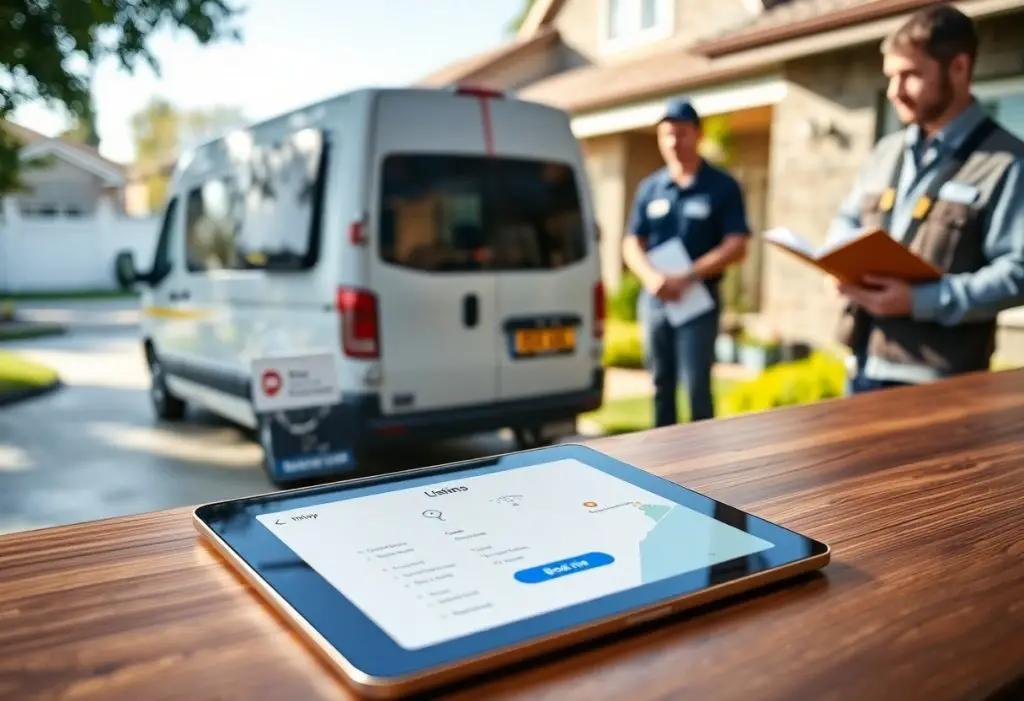
You need a streamlined, modern listing solution to showcase your services, manage leads, and improve local visibility. This post explains how centralized profiles, real-time updates, and integrated booking empower you to attract qualified clients, simplify scheduling, and measure performance with clear analytics so your business scales efficiently and professionally.
Understanding Home Service Listings
Listings tie your business profile, service areas, contact details, and reputation together across search engines and directories so prospects find accurate info fast; inconsistent data can reduce calls and lower local rankings, and you need a unified approach to ensure your hours, service categories, and phone number match on Google, Yelp, Apple Maps and niche sites.
Importance of Online Presence
Your online presence determines whether local homeowners discover and trust you: roughly 60-80% of service inquiries begin with an online search, so optimized listings, recent photos, and active review responses translate directly into more calls and booked jobs; you can use status indicators, response times, and verified badges to increase click-through and trust quickly.
Key Features of Listing Solutions
Effective listing platforms combine accurate NAP management, aggregated reviews, SEO-friendly descriptions, scheduling and lead capture, and integrations (CRM, dispatch, Google Business) so you reduce duplicate listings, automate updates, and measure which pages drive revenue.
- Centralized NAP management: push consistent name, address, and phone across 20+ major directories.
- Service-category and geo-targeting: map services to zip codes or neighborhoods to appear in local map packs.
- Review aggregation and response tools: collect, display, and reply to reviews across Google, Yelp, and industry sites.
- Real-time booking and availability: calendar syncs that cut double-booking and shorten response time for on-demand jobs.
- Lead capture forms and call tracking: assign source attribution (organic, paid, directory) to each lead for ROI tracking.
- SEO-optimized pages and structured data: schema markup for services, pricing, and FAQs to boost local search visibility.
- Analytics and reporting: track impressions, clicks, calls, and conversion rates by listing or location.
- Integrations and API access: connect with CRMs, dispatch, and accounting systems to automate workflows.
- Multi-location and franchise support: bulk edits, role-based access, and location-level performance dashboards.
- Verification and fraud protection: automated claim workflows and duplicate suppression to maintain listing integrity.
- Knowing which listings drive the most calls and booked jobs lets you prioritize updates and ad spend.
You should prioritize features that reduce friction for the customer and your team: for example, integrating live booking cut average lead-to-booking time by up to 50% in several small chains, while call-tracking often reveals that 30-40% of conversions come from map-pack clicks versus organic pages; you can test changes by A/Bing descriptions, photos, or CTAs and measure impact on booked jobs.
- Automated directory sync: scheduled pushes and error reporting to 50+ platforms to prevent stale data.
- Custom service pages per location: unique content, pricing ranges, and geo-targeted keywords for each service area.
- Photo and portfolio galleries: high-resolution before/after images that increase conversion rates on profile views.
- Reputation management workflows: request templates, SMS/email nudges, and review dispute assistance.
- Pricing estimator widgets: instant ballpark estimates that raise lead quality and reduce time-wasters.
- Mobile-optimized landing pages: fast-loading, click-to-call experience for on-the-go searchers.
- Role-based team collaboration: assign listings, approve changes, and audit edits across locations.
- Compliance and licensing fields: display certifications and insurance details to meet regulatory expectations.
- Reporting exports and dashboards: scheduled PDF/CSV reports for owners and ops managers.
- Knowing conversion metrics at the listing level (CTR, calls, booked jobs) lets you scale what works and cut underperforming pages.
The Evolution of Listing Solutions
Traditional vs. Modern Approaches
Whereas traditional listings depended on print ads, Yellow Pages entries and manual updates, modern solutions centralize your data and automate distribution. You can replace hours of repetitive edits with a single dashboard that syndicates your NAP and service details to 50+ directories, syncs hours and photos, and applies UTM tracking so you actually measure ROI instead of guessing which listing drove a lead.
Technological Advancements Impacting Listings
You benefit from structured data (schema.org), platform APIs like Google Business Profile, and AI-generated descriptions that make your listings searchable across voice assistants and map packs. These tools enable real-time availability, automated review monitoring, and personalized search snippets, so your profile appears in rich results and mobile carousels where most customers start their research.
For example, by implementing schema markup, automating syndication to dozens of directories, and adding an instant-booking widget, a local HVAC firm consolidated analytics and saw inbound phone calls and online bookings climb substantially within 90 days-shifting a majority of leads to trackable digital channels and reducing no-shows through automated confirmations.
Benefits of a Modern Listing Solution
Increased Visibility and Reach
You boost discovery when your listing is optimized across Google Business Profile, Yelp, and Facebook; using structured data, consistent NAP (name, address, phone), and 5+ geo-tagged photos helps directories and search engines feature you in local packs. Studies show structured listings can lift click-through rates by up to 30%, translating into more calls and booked jobs.
Enhanced User Experience
You cut friction by surfacing real-time availability, upfront pricing, and one-click contact options so customers can act immediately; listings with clear service tiers and verified reviews convert faster. Integrating appointment widgets and call tracking often shortens lead-to-book time-some tests report around a 20% reduction-and raises qualified lead rates.
For example, when you add live scheduling, secure payments, and automated reminders, no-shows drop and average job value rises; case studies from field-service platforms report up to 40% fewer no-shows and a 15-25% increase in completed jobs after full UX integration, because customers can book, pay, and message without leaving the listing.
Best Practices for Home Service Pros
You should keep listings error-free and action-driven: maintain consistent NAP across Google Business Profile, Yelp, Angi and Facebook; choose one primary category, add 3-5 targeted service keywords (e.g., “emergency plumber Austin”), upload 5 high-resolution photos, and update hours for holidays. Audit listings weekly, track traffic with UTM-tagged links, and document a workflow that generates 2-3 new reviews per month to sustain local visibility.
Optimizing Listings for Search Engines
Start with title and meta best-practices: keep title to 50-60 characters and meta to 150-160, include service plus city. Implement LocalBusiness and Service schema, publish 500-1,000-word service pages targeting 3-5 long-tail keywords, and ensure 100% NAP consistency across top directories (Google, Yelp, Facebook, HomeAdvisor). Monitor rankings monthly and A/B test photos and descriptions to lift click-through rates.
Leveraging Customer Reviews and Testimonials
Ask for reviews within 48 hours of job completion via SMS or email with a direct Google link, request specific details and photos, and display the most recent 5-7 testimonials with Review schema on your site. Aim for a 4.5+ average across platforms and roughly 50 total reviews spread over Google, Yelp and industry sites to strengthen trust and improve local ranking signals.
You should respond publicly to every review within 48 hours, thanking positives and offering to resolve negatives offline; a standard response template saves time while staying personal. Automate review requests after invoicing, ask customers to attach before/after photos and simple metrics (days to complete, warranty length), and run quarterly campaigns asking repeat clients to update reviews so your ratings reflect recent work.
Case Studies: Successful Implementations
Across several implementations you can track precise uplifts: lead volume, close rates, and average job value all rose when listings were optimized for intent and locality. In one multi-branch test you saw leads jump 78% in six months; another single-location pilot doubled booked jobs in 90 days while lowering cost-per-lead by 38%. These examples show measurable gains you can replicate with the right listing playbook.
- HVAC regional chain – 12 locations: organic local search impressions +240% in 6 months, inbound calls +78%, booked service orders per week increased from 35 to 51, average ticket grew from $350 to $420, estimated ROI 4.2x on listing and content spend.
- Plumbing solo operator – single city: Google Maps optimization +120% phone leads over 9 months, conversion from call-to-book rose from 22% to 30%, weekly booked jobs increased from 15 to 28, monthly revenue up 62%.
- Landscaping company – suburban market: image and service category overhaul produced 300% more map impressions and 60% more seasonal booking queries, resulting in a 95% year-over-year growth in spring contracts and 28% higher customer LTV.
- Electrical contractor – paid + organic mix: CTR on local ads rose from 1.2% to 3.8% after aligned listing copy, cost-per-lead fell 38%, ad spend down 27% while qualified leads increased 46% in four months.
- Roofing business – targeted neighborhoods: hyper-local landing pages + review response program yielded a 2.5x increase in appointment requests, average contract value up 18%, and a 34% faster close time from first contact to signed estimate.
Real-Life Examples of Effective Listings
When you prioritize accurate service categories, high-quality photos, and prompt review replies, your listing becomes a conversion asset. For example, a roofing client who added 25 geo-tagged images and updated service pages saw phone leads double within three months, with Google Maps visibility moving from page two to the top three results for five high-intent keywords.
Measurable Outcomes and Impact
You should track KPIs like impressions, clicks, call volume, booked jobs, average ticket, and cost-per-lead to quantify impact. In implemented pilots those metrics moved substantially: impressions up 200-300%, calls up 50-120%, and cost-per-lead down 25-40%, delivering clear revenue growth tied directly to listing changes.
Drill deeper by segmenting results by location, device, and campaign: attribute booked jobs to first-click and last-click sources, run A/B tests on titles and photos, and use a 30-90 day attribution window for service businesses. With sample sizes over 100 leads you can establish statistical significance, and with lifetime value tracking you’ll translate short-term lead gains into long-term profitability that justifies ongoing listing management.
Future Trends in Home Service Listings
You’ll see listings evolve with AI-powered matching, predictive scheduling, mobile-first booking, and embedded social proof; platforms that added these features in pilots achieved 30-40% faster bookings and roughly 20% higher conversion. Expect live availability, dynamic pricing tied to demand, and AR previews for projects to shift from novelty to expectation, so you’ll need to tune your profiles, review management, and booking UX to capture those gains.
Predictive Analytics and AI Integration
Predictive analytics will let you forecast demand from seasons, weather, and past bookings-models trained on 12-24 months of data can hit ~85% accuracy in spotting peak windows. When you staff and price based on those forecasts, pilots report 25% fewer no-shows and about 15% higher revenue per technician; AI-driven recommendations will also surface upsells and optimal appointment lengths to increase utilization without overloading crews.
The Role of Social Media and Mobile Apps
Social platforms and native mobile apps will be primary discovery channels, so you’ll use Nextdoor, Instagram, and TikTok to showcase before/after reels-many pros see 3x engagement on video-and leverage booking widgets that cut response time to under five minutes, lifting rebooking by roughly 18% through timely push messaging and streamlined checkout.
To act on this, combine user-generated content, geotargeted ads, and in-app booking: a midwestern plumbing firm ran a 3-month Instagram Reels campaign with geo-targeting and a “book now” widget, cutting cost-per-lead 35% and increasing qualified leads 45%. You should use micro-influencers for neighborhood trust, deep links so posts open exact booking slots, and in-app chat to answer questions within 10 minutes-these tactics reduce friction and boost lifetime value.
To wrap up
The modern listing solution gives you a unified platform to manage profiles, leads, scheduling, and reviews so your business presents consistently, ranks better, and converts more local searches into booked jobs; adopt it to simplify operations and grow revenue predictably.