
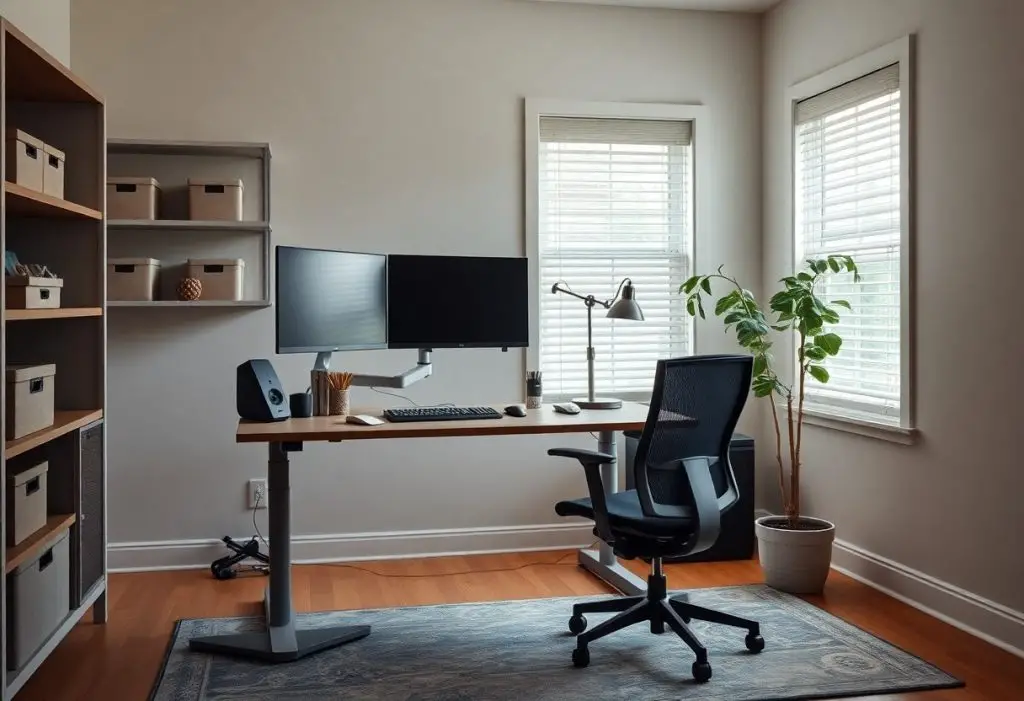
Remodel your home office by focusing on layout, lighting, and ergonomics to create a space that supports focus and well-being. You need a setup that reduces strain, minimizes distractions, and aligns with your daily workflow. Simple changes can transform how you work from home.
Assessing Key Factors for an Effective Workspace
Your workspace must align with how you work and live. Consider these elements to shape a functional environment:
- Your daily tasks and tools needed
- Natural and artificial lighting
- Noise levels and privacy needs
- Available square footage
Assume that even small adjustments can significantly improve focus and comfort.
Identifying your specific workflow requirements
You know your daily tasks better than anyone. Map out the activities you perform most-writing, video calls, reading, or designing-and note the tools you rely on. This clarity ensures your setup supports actual use, not just aesthetics.
Evaluating floor plan and privacy constraints
Your home’s layout dictates what’s possible. Measure the space and note fixed elements like doors, windows, and outlets. Think about household traffic and noise. Privacy matters if you take calls or need deep focus.
Floor plan limitations often define the boundaries of your office design. Open-concept areas may require room dividers or strategic furniture placement to create separation. Walls, ceiling height, and access points influence furniture scale and flow. Poor sightlines can disrupt concentration, so position your desk to minimize distractions. Sound transmission between rooms affects confidentiality-thick curtains or rugs help absorb noise. You don’t need a dedicated room to have a productive zone, but you do need to work with what’s there.
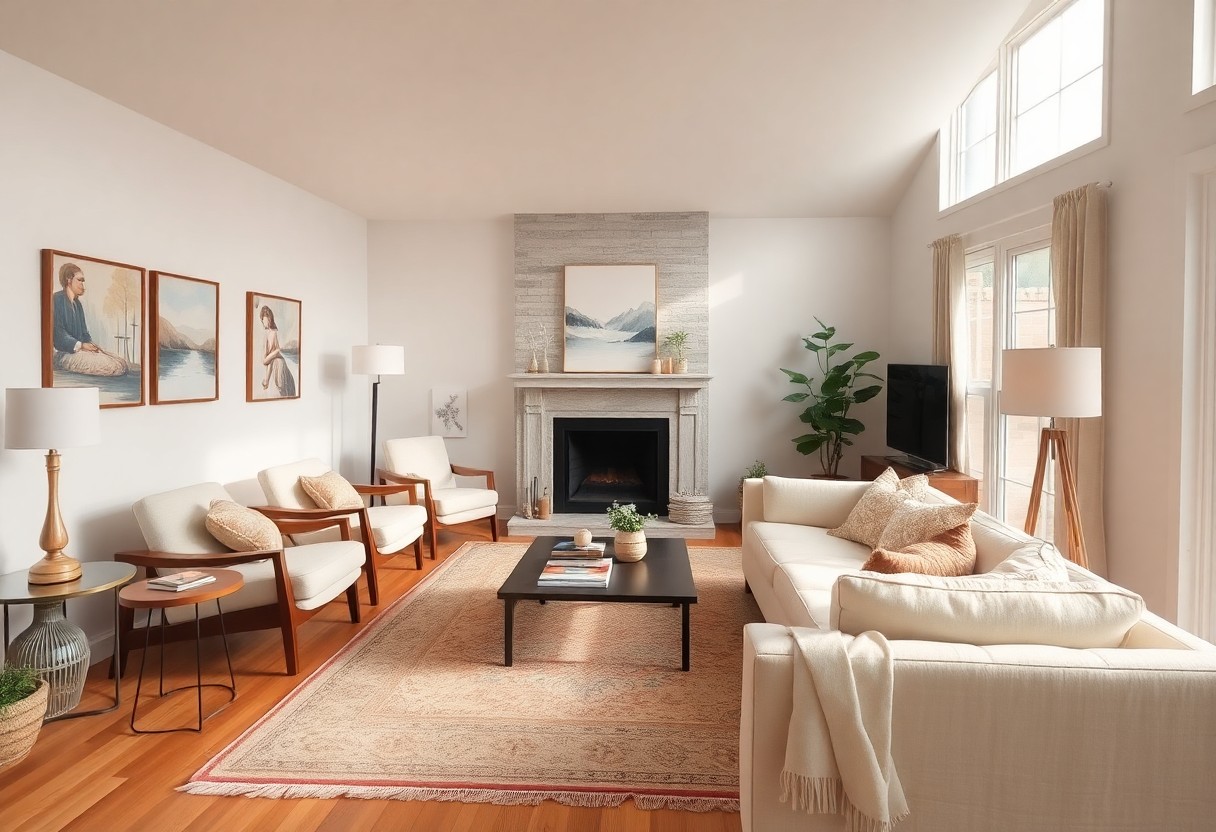
How to Design an Ergonomic Office Layout
Your workspace should support focus and physical well-being. Arrange furniture to create clear sightlines, easy movement, and proper screen height. Keep frequently used items within arm’s reach and ensure your chair supports a neutral posture. A well-organized layout reduces strain and keeps you working efficiently throughout the day.
Positioning your desk to minimize distractions
Place your desk so your back isn’t facing high-traffic areas or noisy appliances. Face natural light when possible, but avoid glare on your screen. Positioning your desk to face a wall or quiet corner helps maintain concentration and reduces visual interruptions from movement around your home.
Maximizing square footage with smart zoning
Divide your office into functional zones for tasks like writing, reading, and storage. Use rugs, shelves, or furniture placement to define each area without walls. This approach keeps the space feeling open while giving every activity its own dedicated spot.
Smart zoning transforms even compact offices into highly functional areas. You can designate one corner for focused work with a minimalist desk setup, another for reference materials with compact shelving, and a small lounge spot for brainstorming. By assigning each zone a clear purpose, you eliminate clutter and make transitions between tasks smoother. Furniture on casters or foldable pieces add flexibility, letting you adapt the space as your needs change throughout the day.
Essential Tips for Selecting High-Performance Furniture
- Choose pieces that support movement and adaptability
- Prioritize materials that balance durability with comfort
- Ensure furniture scales to fit your room and workflow
After testing different configurations, you’ll recognize how well-chosen furniture enhances both focus and ease throughout the workday.
Investing in ergonomic seating for long-term health
You protect your spine and energy levels by selecting a chair that supports natural posture. Look for adjustable lumbar support, seat depth, and breathable fabric. Sitting for hours demands a design that moves with you, reducing strain over time.
Choosing the right desk height and surface area
Your arms should rest parallel to the floor when typing, with wrists neutral and shoulders relaxed. A desk too high or low causes tension. Measure your body proportions before deciding. After matching height to your frame, ensure the surface holds your tools without crowding.
Most standard desks are 29 to 30 inches high, but that doesn’t suit everyone. If you’re shorter or taller, consider an adjustable or custom setup. Surface area matters just as much-allow at least 30 inches of width for a monitor and keyboard, plus room for notes or a notebook. Leave space on one side for writing or sketching. A clutter-free zone starts with smart dimensions, not just organization.
How to Optimize Lighting and Environmental Quality
You feel the difference when light supports your rhythm instead of fighting it. A well-lit workspace reduces eye strain and sharpens focus, while fresh air and quiet surroundings keep your mind steady. Thoughtful adjustments to lighting and environmental factors transform your home office into a space where both comfort and concentration thrive.
Balancing natural light with adjustable task lighting
Natural daylight boosts alertness, so position your desk near a window without causing glare on your screen. You maintain control over changing conditions with adjustable task lighting-use a dimmable desk lamp to supplement low light in the afternoon or evening. This blend keeps your energy steady and your vision clear throughout the workday.
Managing acoustics and air circulation for focus
Sound distractions fracture your attention, even when you’re not fully aware. You can reduce background noise with soft furnishings, rugs, or acoustic panels on the walls. Pair this with a small fan or air purifier to keep air moving quietly, creating a calm, breathable environment that supports sustained mental clarity.
Controlling sound and airflow isn’t just about comfort-it directly affects cognitive performance. Hard surfaces bounce sound, making conversations or household noises more intrusive, so adding fabric elements like curtains or upholstered chairs absorbs excess noise. At the same time, stale air leads to fatigue, so ensure your room has ventilation or use a quiet HEPA air purifier to maintain oxygen levels and filter allergens, helping you stay sharp from morning to midday.
Practical Tips for Technology and Cable Management
- Use cable clips to secure cords along desks or baseboards
- Label each cable for quick identification
- Invest in a power strip with surge protection
- Group devices by function to reduce clutter
Any well-managed setup starts with controlling the chaos beneath your desk.
Implementing hidden wiring solutions for a clean aesthetic
Clean lines boost focus and reduce visual stress. Run cables through wall channels, use desk grommets, or install raceways behind your workstation. These hidden wiring solutions keep cords out of sight while maintaining easy access when needed. A tidy setup reflects a disciplined workflow.
Ensuring reliable connectivity and hardware placement
Position your router within close range and free of obstructions for strong Wi-Fi. Keep frequently used devices within arm’s reach but off the main work surface. Any interruption from lag or awkward reach breaks your concentration.
Place your modem and router on a shelf near your desk, ideally at or slightly above eye level to optimize signal distribution. Avoid stacking electronics directly on top of each other to prevent overheating. Use wired Ethernet connections for critical devices like desktop computers or video conferencing equipment to minimize latency. Mount power strips underneath the desk or on the side of furniture to keep them accessible yet concealed. This strategic hardware layout supports consistent performance without sacrificing workspace efficiency.
Critical Factors for Enhancing Personal Comfort
Comfort directly influences how long and effectively you can work. Prioritize ergonomic furniture, proper lighting, and temperature control. Include a supportive chair, adjustable desk, and noise-reducing elements. After identifying your physical needs, tailor the space to match your daily routine.
Incorporating biophilic elements and greenery
Plants improve air quality and reduce stress. Choose low-maintenance options like snake plants or pothos to bring life into your office. Natural materials like wood and stone also strengthen the connection to nature. After adding a few well-placed green elements, you’ll notice a calmer, more focused mindset.
Selecting a professional and calming color palette
Colors shape mood and concentration. Soft neutrals, muted blues, and warm grays create a balanced atmosphere. Avoid overly bright or dark tones that strain the eyes. After aligning your walls and furnishings with a serene palette, your space will support sustained attention.
Neutral backdrops with subtle accent hues allow your mind to stay alert without feeling overwhelmed. Cool tones like sage or soft blue promote relaxation, while warm beiges add warmth without distraction. Stick to consistent tones across walls, furniture, and accessories to maintain visual harmony and reduce mental clutter.
Final Words
Taking this into account, you now have the practical steps to reshape your home office into a space that supports focus and well-being. Choose furniture that fits your body, optimize lighting, reduce clutter, and personalize your environment. Your daily work experience improves when comfort and function go hand in hand.